When you click the mouse button in the Haskell code editing area, the text disappears and editing becomes impossible.
2 Likes
pareil pour moi (avec VB.net : le code que j’utilise en fait) - depuis ce matin seulement. bug ?
Same here (with VB.NET: the language I actually use) —just since this morning. Is it a bug?
1 Like
This started happening to me today, first with Haskell. I then switched to another programming language, and it was OK for a while.
But currently I have the same problem for Perl.
This has happend on two different computers both with coding clash and with testing contributions.
Refreshing the screen works, untill the same thing happens again; also you can also still run and submit the code.
Edit: At the moment this is a problem in Clashes, but does not seem to happen when doing puzzles.
Hello thank you for the reports; this should be fixed now.
If you had the problem, it should be gone after a cache refresh.
Don’t hesitate to let us know if you still see anything broken.
2 Likes
Hello, sorry to revive the topic.
I was doing some clashes with Python 3 and more or less the same happened to me:
The Python 3 language would show no line numbering or code, while the others I tested had their code and lines in. I tried more than one clash, refreshing the page, refreshing the code and did not manage to solve it.
Thanks!
Have you tried clearing the cache?
1 Like
This bug happened to me multiple times. Switching to another programming language or refreshing the page solves the problem. After inspecting, I discover that using a language twice makes the code editor vanish. The problem can be reproduced by selecting a language twice. For example, if you’re using JavaScript, switch to Java and then go back to JavaScript, the code editor disappears.
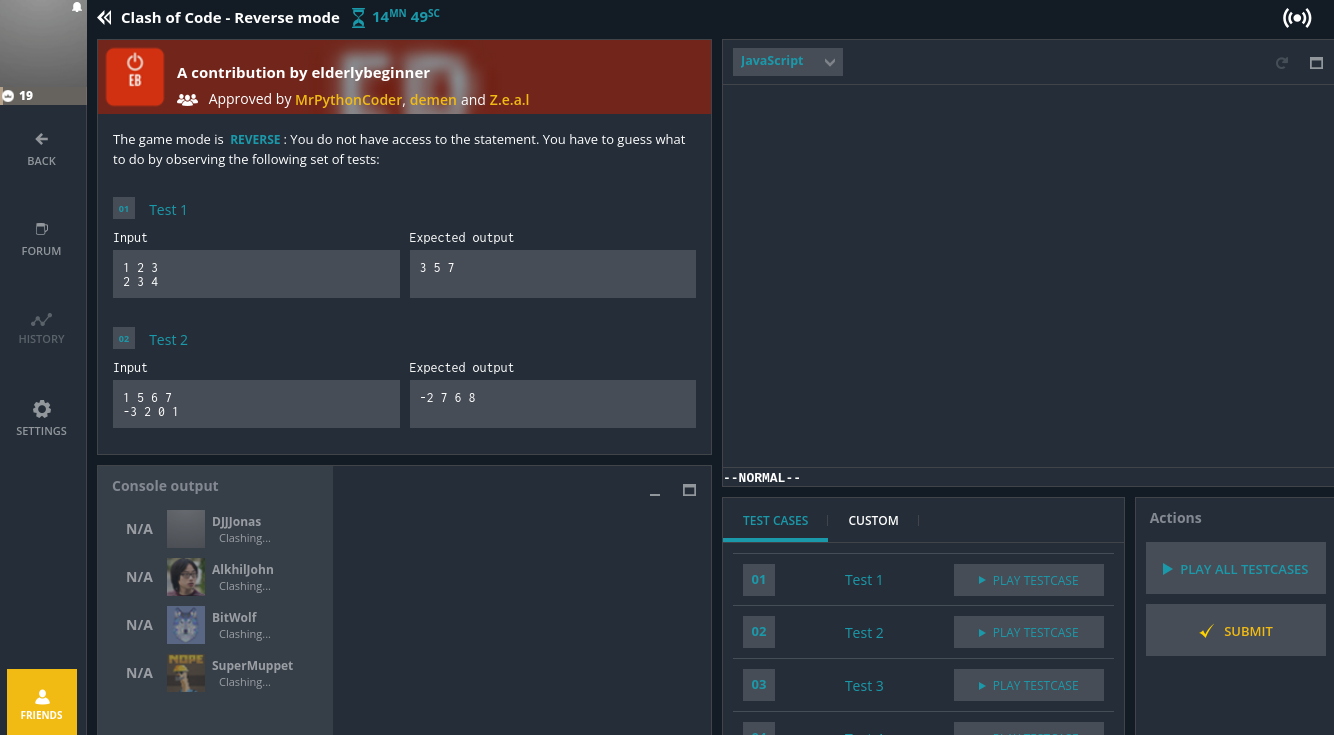
Hey, I can’t reproduce, do you have a video where you reproduce so we can see the procedure (if possible with console opens so we can see if there is any error)? Also can you test your workflow in an incognito window or using an other browser? I suspect a cache issue as the issue should be solved
Hi, I’m able to reproduce the bug in Firefox. It occurs even immediately after clearing the cache. It happens in normal mode and private mode.
I’m not sure how to upload a video on the forum, so I’ll send it to you via Discord DM instead.
Edit: Nope, I can’t send it to you there either… I’ll just post it in the bug-report channel then.
I forgot to mention that I’m using Zen Browser, which is a fork of Firefox.
I’m facing another weird problem. I’m not sure if it is derived from the one in this topic but I faced it while trying to reproduce the IDE disappearing with dev tools opened.
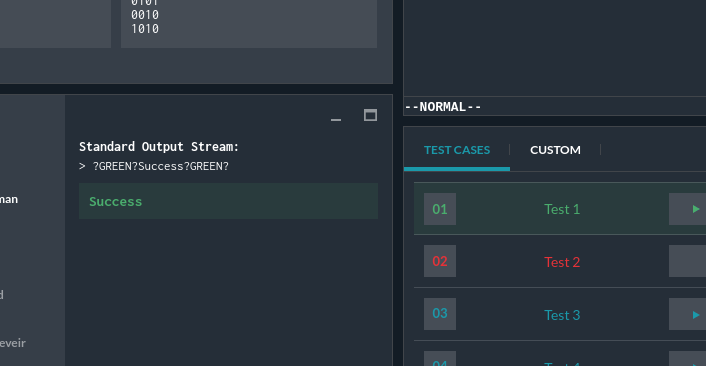
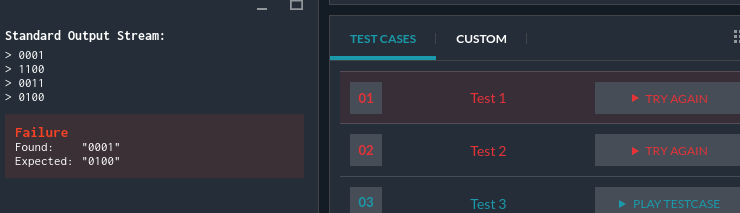
When executing the command to run all test cases, the first case randomly passes, even when it shouldn’t, and it outputs ?GREEN?Success?GREEN? (left image). After clicking Test 1 two more times, it worked as expected (right image).
On dev tools console, there’s too many Possibly unhandled rejection: undefined undefined from angular.js, many with different stack traces. I don’t know which ones are useful or not so here’s a screenshot of some:
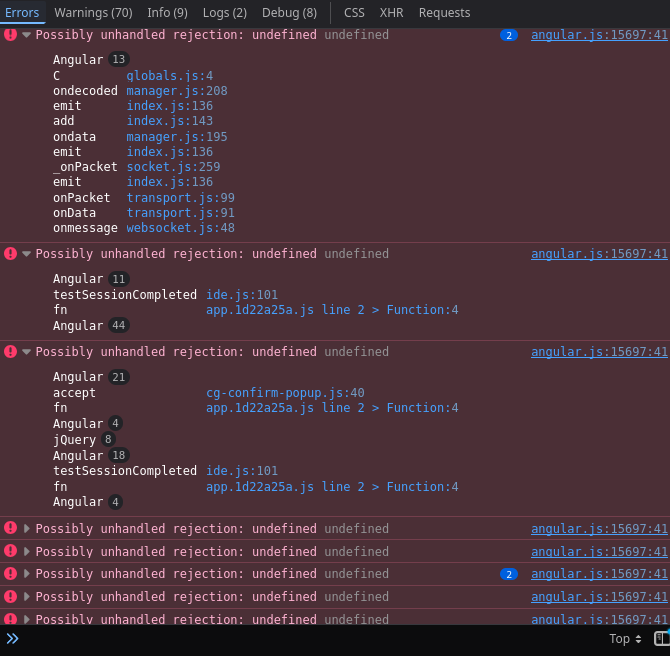
I cleared the cache before the clash (ctrl+shift+r) and I don’t have any add-on/extension in my browser interfering the process.
Hi, same issue here, started to spot them maybe 10 days ago.
I’ve decided to stop playing until these bugs get fixed. They’re just too annoying  .
.
- After the first clash, the IDE disappears (only on Firefox, apparently)
- Test cases have a random chance of falsely reporting a success
Also, JavaScript’s autocomplete doesn’t work, but this is the least of the problems for me.
1 Like
Hey, we found fixes for the editor that disappears, as well as the JS/TS-related features (autocomplete, etc.), should be fixed later today
1 Like
It should be fixed, don’t hesitate to clear your cache (and let us know if you encounter it again)
I just played two clashes. It’s all fine now  ! Thank you!
Probably a separate issue, but I’m wondering if this is being checked and fixed? [Bug] Test validator returns Success on empty stdout / runtime error - #2 by rc_D_Idaho
The issue with ?GREEN?Success?GREEN? in the console output is still there. I tried on chrome after clearing the cache.
When I commented that it was all fine for me after two clashes, I didn’t face the “Green success” issue.
In a recent clash, I clicked on a test case five times and got the ?GREEN?Success?GREEN? five times in a row  .
.
Looks like we need to be smart, quick and also lucky to solve the problems now.