But why is it failing on an intermediate-leveled CG and not the very hard last one??
Perhaps with your approach, your code happens to hit a less efficient search order on the intermediate case, like it’s exploring a denser part of the search space earlier on. The harder case might just be lucking out with a more favourable search path. Try adding some code to count the number of iterations (or things like that) and compare.
Umm, this was a long time ago. But… if you do logic before doing recursion, it cuts the problem down a little… so here’s the “reduction” moves to start with (output as if CG wants it):
10 4 10 6 2
10 4 8 4 2
9 1 12 1 1
9 1 9 3 2
11 10 11 7 1
11 10 9 10 1
0 12 0 9 1
0 12 5 12 1
12 9 12 6 1
12 9 12 12 1
11 0 8 0 1
Am I allowed to ask people here to review my code?
From what I can tell, my Python 3 code isn’t executing the print function sometimes (prints absolutely nothing for intermediate 1 and 3 but prints for intermediate 2, also doesn’t print for CG, Advanced, and Expert) but it’s printing to sys.stderr.
Are the print() and the debug output to sys.stderr located at the same point in the code?
If they’re in different places, the stderr output doesn’t necessarily prove that the print() line was executed. It would just show that execution reached wherever the debug statement is.
If the print() and the stderr debug statement aren’t adjacent, it might help to temporarily add a debug statement immediately before the print() call.
They are right next to each other. They’re also the only print statements that aren’t commented out. (Others are going to be used for later problems like the fact that I can’t solve the multiple solutions ones.)
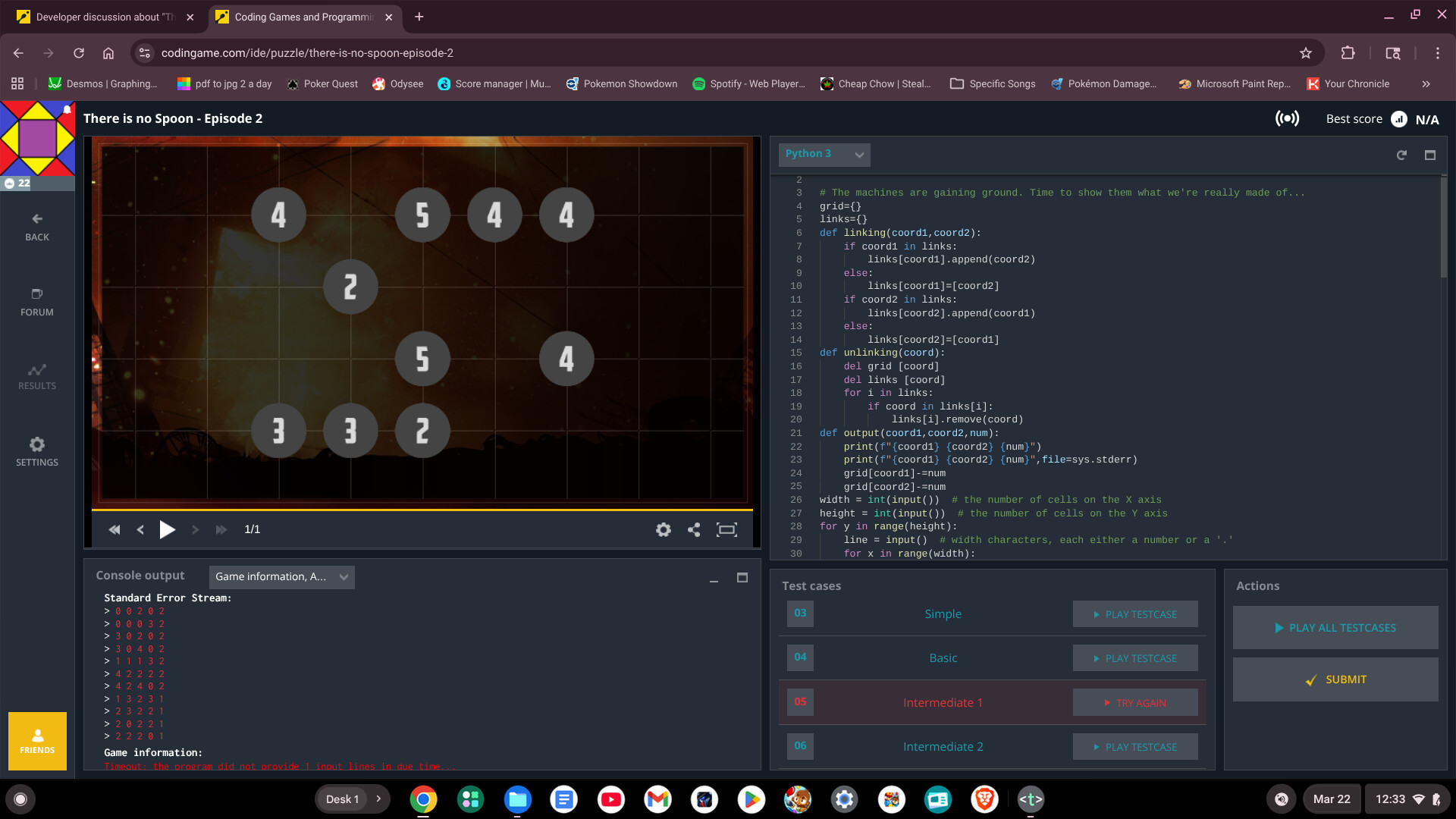
Edit, let me add Intermediate 2 for reference.

Try flushing the stderr print? As noted in the default code:
# To debug: print("Debug messages...", file=sys.stderr, flush=True)
While flushing the stderr print doesn’t change anything, flushing the output print makes it work. (although my code is wrong, I can see the end state)